Creating a Roof Slope Using Slope Arrows
You can use slope arrows to create slopes on a roof. See Creating a Sloped Surface Using a Slope Arrow.
The following example shows a roof that you can create in Revit using a slope arrow.

Creating a Roof with Different Eave Heights
You can create a roof with slope-defined lines at different elevations by joining 2 separate roofs.
- Create a footprint roof sketch similar to the following:
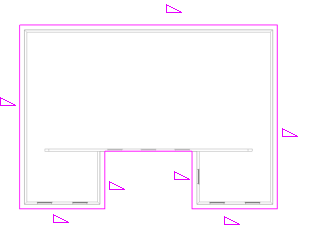
- On the Properties palette, specify a cutoff level for the roof. For example, if you are sketching the roof on level 2, you might specify level 4 as the cutoff level.
- Click
 (Finish Edit Mode).
 - Create another footprint roof sketch at a higher level, similar to the following:
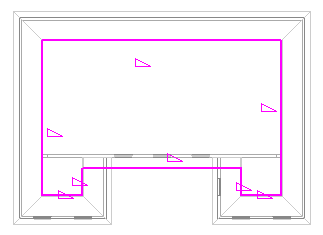
- Click (Finish Edit Mode).
- In a 3D view, select both roofs, and click Modify tab
 Geometry panel
 (Join/Unjoin Roof).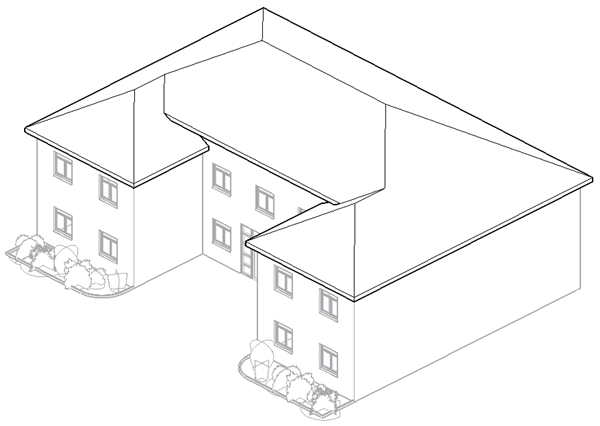
- View the 2 roofs in a plan view:
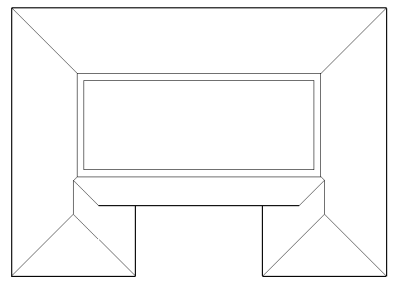
You now have a single roof with different eave heights.
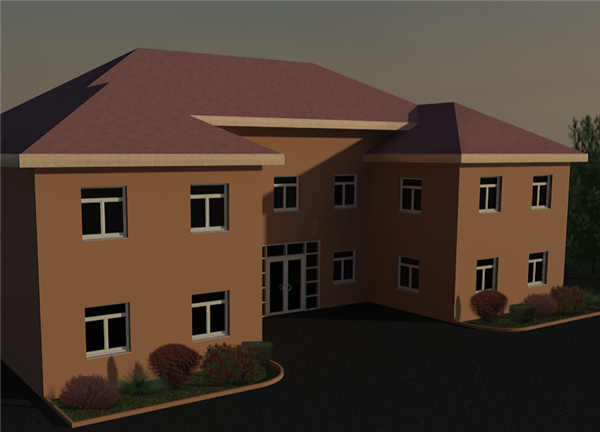
Finished house in a rendered view
Creating a Four-Sided Gable Roof
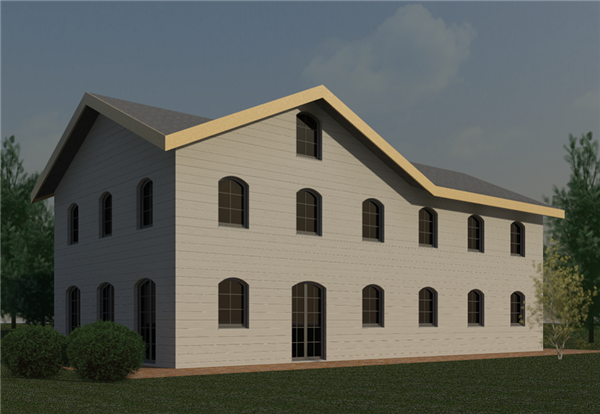
Use slope arrows to create a 4-sided gable roof.
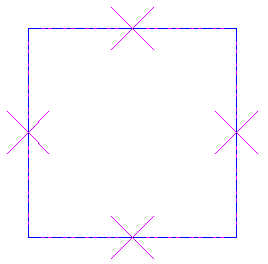
- Create a square footprint sketch and designate all sketch lines as non–slope-defining.

- Click Modify | Create Roof Footprint tabDraw panel
 (Slope Arrow).
 - On the Properties palette, select New
from the filter list. - Under Constraints, for Specify, select Slope.
- Under Dimensions, for Slope, enter 9" (or the metric equivalent).
- Sketch slope arrows as shown.
- Click (Finish Edit Mode).
- Open the roof in 3D.

Completed roof

Completed roof on a model